
AI Notes
Turn on AI Notes and Talkspresso listens to the audio, then writes up the session for you. No video is captured, and the person on the other side of the call can see it running the whole time.
You can get notes from a coaching call without recording it by using audio-only note taking instead of video capture. On Talkspresso, tapping AI Notes during a session transcribes the conversation audio and writes a summary, key takeaways, and action items to your session summary page afterward. No video is recorded, nothing is saved to your Recordings library, and both people see an "AI Notes on" badge for the whole call, so the capture is never running without a notice on screen.
Step 1
The host taps the AI Notes button in the call controls. That is the entire setup. There is nothing to configure before the session and nothing to remember to turn on in advance.
Step 2
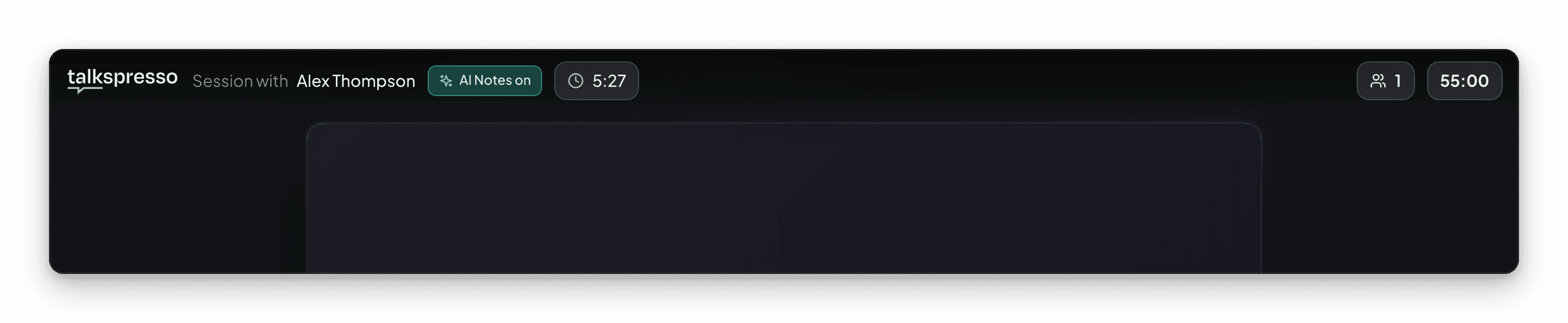
An "AI Notes on" badge appears for both people for as long as it is running. Tap the badge and you get a plain explanation of what is being captured. The lobby carries a one-line notice before the call even begins, so the possibility is disclosed before anyone starts talking.
Step 3
When the session ends, the audio is transcribed and summarized. Your session summary page fills in with the transcript, a written summary, key takeaways, and action items. You did not take a single note during the call.
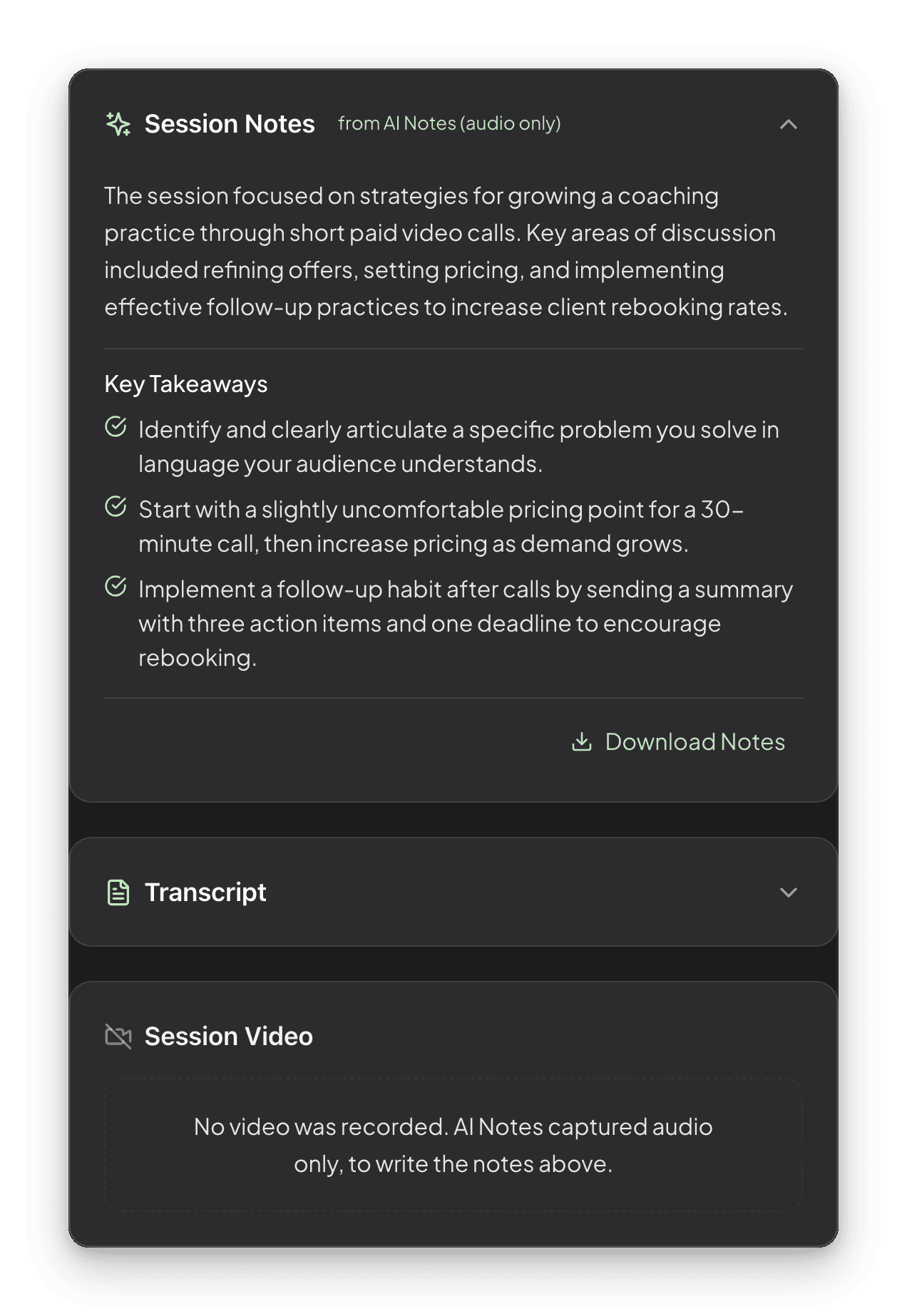
The notes come first, attributed to AI Notes and marked audio only, with the key takeaways under them and the full transcript one tap away. There is a Download Notes button, so the write-up leaves with you.
At the bottom sits the Session Video card, and on an AI Notes session it reads: no video was recorded, AI Notes captured audio only. That card is the whole argument of this page, in the product’s own words.
Most people are fine with notes. Almost nobody is fine with being filmed.
AI Notes was built around that difference. It listens to the conversation and never touches the video feed, so the thing your client is actually uneasy about is not happening. There is no video file at the end. Nothing lands in your Recordings library.
The audio does not stick around either. Once your transcript has been written and saved, the audio file is deleted from Talkspresso’s storage and from the video provider, so the write-up on your session summary page is what is left. The one exception is a transcription that fails: the audio is held in that case so the notes can be retried, because it is then the only copy of the session.
The disclosure is deliberate too. The badge is not fine print you can talk past, and it is not something the host can quietly dismiss while the notes keep running. It stays visible to both people for the entire session, and it explains itself when tapped. The notice stays on screen the whole time. That is the point, because a client who can see what is happening relaxes, and a relaxed client tells you the useful things.
If you do want the full session on video, Full Record still exists and gives you video plus notes. AI Notes is the lighter option: just the notes.
You already know the moment. Your client says the real thing, the thing under the thing, and you are looking down at a notepad trying to get the words right instead of looking at them. AI Notes takes that job. Turn it on, keep your eyes up, and read the summary and action items after the session when your attention is not the scarce resource.
Client calls generate commitments. Who is doing what, what got decided, what is blocked, and what you promised to send by Friday. AI Notes pulls action items out of the conversation automatically, so your follow-up email is a matter of editing rather than remembering. The transcript is there when someone asks what was actually agreed.
Video changes how a session feels. AI Notes gives you a written record of the conversation on the business side of your practice without a camera recording anything, and your client sees the badge the entire time. Audio capture can still count as recording under your state’s law and your board’s rules, so get permission the way your practice requires before you turn it on. What belongs in your own records, and whether this fits your practice at all, stays entirely your professional call.
Paid 1:1s and masterclasses are full of specifics. The tool you recommended, the edit you suggested, the thing you said you would look up. AI Notes catches those so the person who paid you gets the follow-through they paid for, and so you are not reconstructing a call from memory three days later.
AI Notes is included on every Talkspresso call. Create a free account, book your first session, and tap the button.
Start freeNo monthly fee to start. AI Notes costs nothing extra.